Car Driving Ultimate Updates
Patch rhythm, official trailer energy, and links to detailed changelog notes for drivers who like staying current.
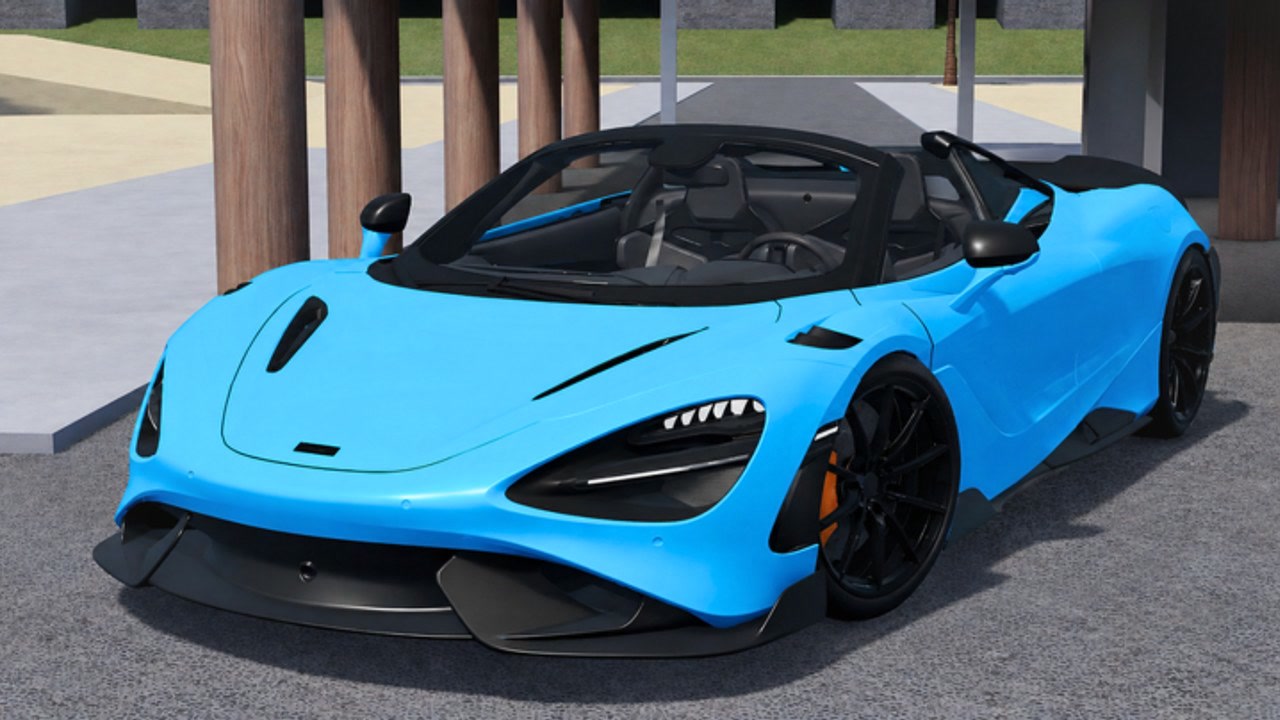
Car Driving Ultimate stays alive through steady Roblox updates: optimization fixes, new car drops, UI polish, customization themes like Brake Caliper Paint, and occasional map or seasonal experiments such as the winter map. This hub explains how to track those changes, what the recent public description emphasizes, and where to go deeper via the Changelog and New Cars guides. The official trailer embed mid-page captures the fantasy the team is selling — open map, variety, customization, competition.
Current public update headline
The live experience description and recent event banners highlight:
- Optimization Fixed — performance and stability focused work
- New Car style banners when a vehicle lands
- Brake Caliper Paint — customization-focused theme nights that make mains pop in montages
- Ongoing pitch: explore a large map with 120+ cars, customize them, and compete with other players
Always re-read the Roblox page blurb after you notice a “Update available” style event tile. Developers sometimes refresh the first lines before community wikis catch every detail.
How CDU tends to ship changes
- Quiet optimization passes — fewer crashes, smoother streams of cars on 16-player servers.
- New car nights — a headline vehicle (Cayman GT4, Huayra-style, Lightning-style, winter LaFerrari, and more) plus garage reshuffles — see New Cars.
- Seasonal map dressing — winter snow visuals that refresh exploration without rewriting every road (Winter Map).
- Customization events — Brake Caliper Paint and related paint tools via Customization.
- Pass list maintenance — Admin Cars (13) and Track Pass (8) contents are listed on the game page; expansions get called out when they happen.
- Social amplification — Discord (invite) and @cardrivingultimateofficial post trailers, showcases, and reminders.
Where to look first after a patch
| Source | Why |
|---|---|
| Roblox experience page | Official blurb + badges + pass lists |
| Changelog | Digested notes and Huayra / optimization context |
| New Cars | Free vs Track vs Admin bucket checklist |
| Winter Map | Seasonal exploration and traction tips |
| Discord announcements | Fastest human chatter |
| Official YouTube | Trailers and feature showcases |
| This Updates Hub | Orientation + links |
Also refresh gameplay guides if physics feel different: Controls, How to Drift, and Tier List assumptions can shift slightly after optimization.
What updates usually do not change
- Server size remains 16 unless the page says otherwise.
- Core binds (WASD, Q/E, M, P, V, B, T, Shift+P) stay the known sheet.
- Miles badges (500 / 1000 / 4500) remain distance goals — see Miles Badges.
- Promo codes are still uncommon; do not invent them when a patch drops.
Player checklist after every update
- Skim the new Roblox description lines.
- Join a fresh server (avoid stale teleports).
- Test your main free car for weird physics.
- Check whether new cars appeared in free vs pass tabs.
- Paint calipers / body if a customization theme is live.
- Revisit Gamepasses only if a pass contents line changed.
- Avoid panic-installing scripts “updated for the new patch” — that is how malware cycles work.
Roadmap honesty
This wiki does not invent unannounced roadmaps. If the team shares a Trello or Discord timeline later, it will be linked from Wiki Links and summarized here. Until then, treat optimization + new car + seasonal/customization themes as the reliable drumbeat.
Child pages
- Changelog — recent optimization, Brake Caliper Paint, and new-car notes with showcase video
- Winter Map — snowy exploration, LaFerrari and AC Cobra context
- New Cars — how drops are bucketed and what to do after a NEW CAR event
Related hubs
- Guides Hub — refresh skills after patches
- Tier List Hub — re-rank when cars arrive (including Track Pass)
- Players — community reactions and suggestions
- Codes — still watch Discord after big drops
Stay curious, rejoin after patches, and let official channels lead. Car Driving Ultimate’s update cadence rewards players who show up the week a new car lands — not players who wait for leaked exploit Discords.
Frequently Asked Questions
Quick answers about codes, cars, drift, and progression.
What was the latest Car Driving Ultimate update about?
Recent public notes emphasize optimization fixes, new-car style drops, Brake Caliper Paint customization themes, and seasonal map experiments. Check the Changelog, New Cars, and Winter Map pages plus the live Roblox description.
Where do developers announce updates?
Primarily on the Roblox experience page, Discord announcements, and the official YouTube channel.
Do updates reset my cars or miles?
Normal patches should not wipe legitimate ownership or badge progress. Rejoin a fresh server if something looks cached.
Should I download a new script after every patch?
No. Patches often break exploits anyway, and random “updated” tools are a common malware vector.
Is there an official trailer?
Yes — watch the trailer embedded on this Updates Hub, and browse @cardrivingultimateofficial for more.